
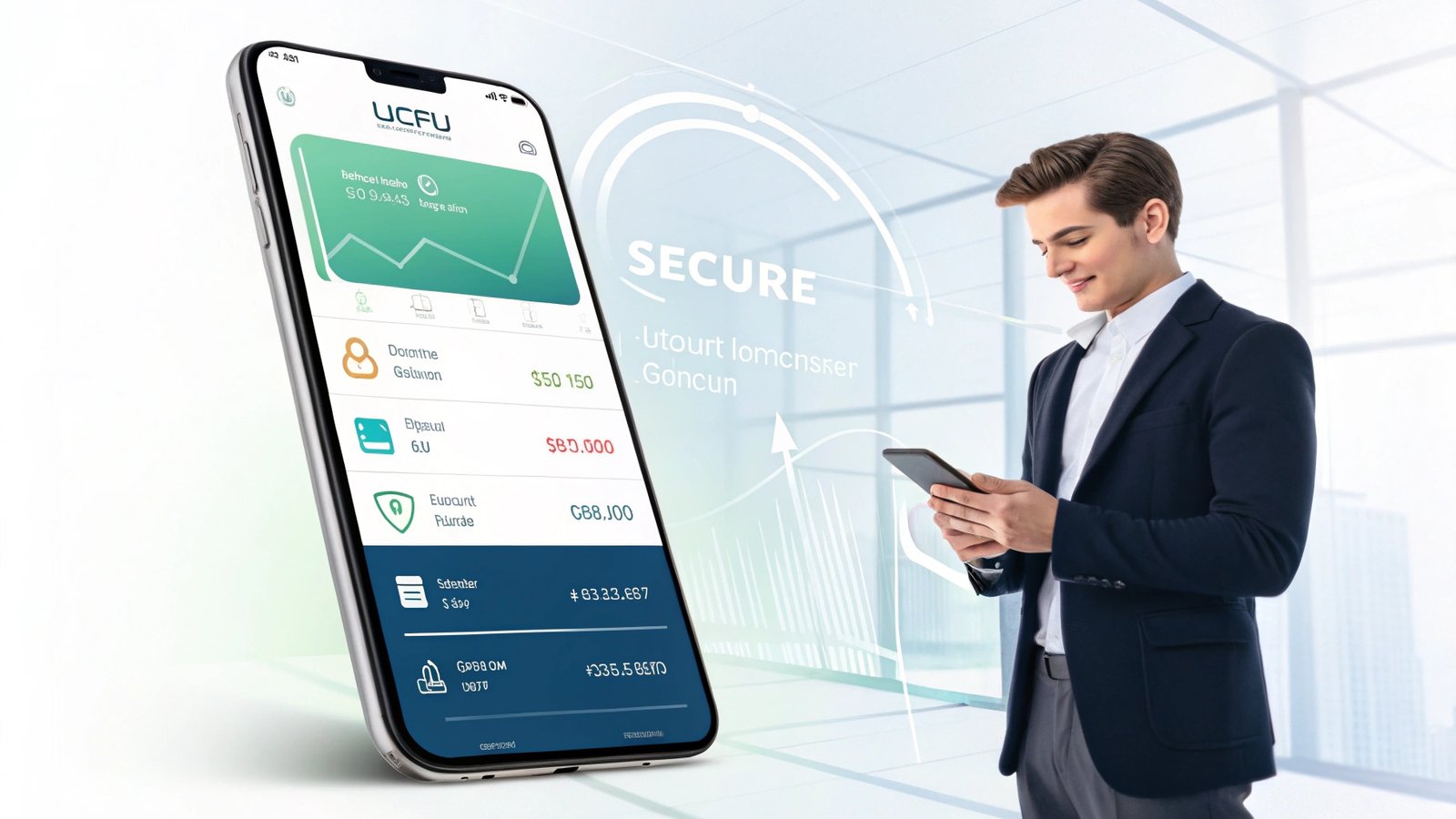
The LGFCU Mobile App lets members easily manage accounts, deposit checks, and pay bills securely from their smartphones. Available on iOS and Android, it offers 24/7 banking convenience and strong security features. Download the LGFCU Mobile App today to enjoy fast, safe, and flexible financial control anywhere you go.
Stay tuned with us as we dive deeper into the LGFCU Mobile App, exploring its powerful features, security benefits, and how it can make your banking experience easier than ever before!
What is the LGFCU Mobile App?
The LGFCU Mobile App is a free, powerful banking application designed to give LGFCU members instant access to their accounts directly from their smartphones or tablets. This app embodies the credit union’s mission to offer user-friendly and secure financial services.
Who can use it? The app is exclusively for LGFCU members. Anyone who has an account with LGFCU, including savings, checking, or loan accounts, can enjoy the app’s full features. It connects seamlessly with LGFCU Member Connect, the online banking platform, giving members a unified experience.
When it comes to availability, the LGFCU Mobile App doesn’t disappoint. Whether you’re an Apple enthusiast or looking for the LGFCU mobile app for Android, it is ready for download on both the Apple App Store and Google Play Store. This cross-platform accessibility ensures that nearly every member can benefit from the digital upgrade.
Key Features of the LGFCU Mobile App
The LGFCU Mobile App stands out for its rich feature set, designed to simplify daily banking tasks and enhance financial control.
First, it offers a clear account overview, allowing you to view balances and recent transactions at a glance. You no longer have to guess if a check has cleared or how much you spent over the weekend.
Next is the convenient mobile deposit feature. Deposit checks anytime by simply taking a photo through the app, eliminating the need for a branch visit or ATM.
Paying bills is equally straightforward. The LGFCU Mobile App integrates bill pay services, enabling you to schedule one-time or recurring payments securely and on time.
Transferring funds is another highlight. Move money between LGFCU accounts or send to external accounts easily, giving you full control over your cash flow wherever you are.
With customizable alerts and notifications, you’ll stay informed about balance updates, large transactions, and security warnings. This helps prevent fraud and supports better money management.
Finally, robust card management allows you to activate or deactivate debit and credit cards, set spending limits, and monitor transactions directly from the app. These features put security and flexibility at your fingertips.
How to Download and Install the LGFCU Mobile App
Downloading and installing the LGFCU Mobile App is simple and quick. Here’s how to get started.
For iOS (Apple App Store): Search for “LGFCU Mobile App download” in the App Store. Once you locate the official app, tap “Get” to begin the download. After installation, open the app and follow the prompts to log in securely.
For Android (Google Play Store): Head to Google Play and search for “LGFCU mobile app for Android.” Tap “Install” to download it to your device. Once installed, open the app and log in with your LGFCU credentials.
As for minimum requirements, iOS users typically need version 13.0 or later, while Android users need version 8.0 or higher. Keeping your device updated ensures smoother app performance and better security.
How to Use the LGFCU Mobile App: A Complete Guide
Once installed, logging into the LGFCU Mobile App login screen is straightforward. Use your online banking credentials, and for added security, set up biometric authentication like Face ID or fingerprint recognition. This keeps your account safe while simplifying future logins.
After logging in, you’ll find a user-friendly dashboard that displays your accounts and key features. Navigation is intuitive, allowing you to jump from viewing account balances to paying a bill in just a few taps.
Depositing checks is effortless. Use your smartphone’s camera within the app, align your check, snap photos of both sides, confirm the amount, and submit. Funds are typically available quickly, depending on deposit timing and verification.
Transferring funds is just as simple. Choose the “Transfer” option, select accounts, enter the amount, and confirm. You can even set up scheduled transfers to automate your savings goals.
Paying bills is equally convenient. Add payees, enter payment details, and choose your payment date — all without needing to write a single check or visit a payment center.
Benefits of Using the LGFCU Mobile App
One of the biggest advantages of the LGFCU Mobile App is its 24/7 convenience. Whether it’s early morning or late at night, your finances are always accessible.
The app also enables faster transactions, reducing the time it takes to deposit checks, pay bills, or move money between accounts. You can handle emergencies or time-sensitive payments instantly.
Another major benefit is cost savings. By reducing branch visits and paper statements, you save money on travel, postage, and related fees. In many cases, digital banking also comes with lower or no service charges.
The app helps you improve financial management as well. Real-time access to balances and transaction histories helps you track spending and avoid overdrafts. Alerts and notifications ensure you never miss important account updates.
Security Features of the LGFCU Mobile App
Security is a top priority for LGFCU, and its mobile app reflects that commitment. The app uses advanced data encryption to protect sensitive information both in transit and at rest.
Multifactor authentication adds another layer of security, requiring users to verify their identity through a combination of passwords, biometrics, or security codes.
Fraud monitoring systems continuously scan for suspicious activity. If unusual transactions are detected, the app immediately notifies you and may temporarily freeze transactions to protect your funds.
In addition, LGFCU follows strict privacy policies to ensure that your data is never misused or shared with unauthorized parties. This transparency fosters trust and peace of mind among members.
Why Choose the LGFCU Mobile App Over Other Banking Apps?
What sets the LGFCU Mobile App apart is its unique focus on community and member service. Unlike many big-bank apps, it’s designed specifically for LGFCU members, offering a more personal experience.
LGFCU’s community-oriented services mean that decisions and updates are made with members’ best interests in mind. The app is an extension of this member-first philosophy, providing tailored tools and support.
Additionally, the LGFCU Mobile App boasts member-focused features that make it stand out. From specialized alerts to exclusive card controls, every feature aims to empower members rather than merely facilitate transactions.
LGFCU Mobile App Reviews and User Feedback
Overall, the LGFCU Mobile App receives high marks on both the Apple App Store and Google Play Store, often averaging around 4.5 out of 5 stars. Users consistently praise the app’s reliability, intuitive interface, and robust security.
Common praises include the speed of mobile deposits, the ease of transferring money, and the helpfulness of instant alerts. Many members note that the app simplifies their daily financial tasks significantly.
While some users report occasional glitches or say LGFCU app not working today, LGFCU is quick to address these issues through updates and customer support. Their responsiveness helps maintain member trust and app reliability.
LGFCU Mobile App vs. Other Credit Union Apps: A Comparison
When compared with other credit union apps, the LGFCU Mobile App shines in several areas.
| Feature | LGFCU Mobile App | Other Credit Union Apps |
| Mobile deposits | ✔ Fast and reliable | ✔ Common, sometimes slower |
| Security features | ✔ Advanced & member-focused | ✔ Varies |
| Alerts & controls | ✔ Highly customizable | ✔ Basic in many cases |
| Ease of use | ✔ Very intuitive | ✔ Mixed feedback |
| Community focus | ✔ Strong | ✔ Often limited |
The table above clearly highlights the LGFCU Mobile App’s competitive edge, especially in member-oriented services and advanced security features.
Troubleshooting Common LGFCU Mobile App Issues
Occasionally, you may face login problems, such as forgetting a password or seeing the LGFCU mobile app not working message. Resetting your password through the app or contacting support quickly resolves most issues.
App crashes can happen, often due to outdated versions or device conflicts. Regularly updating the app minimizes these problems.
Connectivity errors may occur if your internet connection is unstable. Switching to a stronger Wi-Fi signal or mobile data usually fixes this.
If you continue experiencing issues, contact LGFCU customer service for assistance. Their support team is trained to help you solve problems efficiently.
Tips to Get the Most Out of Your LGFCU Mobile App
To truly maximize your LGFCU Mobile App, make sure to enable all alerts so you stay on top of every account activity.
Take advantage of budgeting tools within the app to track spending habits and set savings goals. This makes it easier to manage personal finances proactively.
Always keep your app updated to benefit from the latest features and security enhancements.
When linking external accounts, double-check details to ensure accuracy and security. This helps avoid unnecessary delays or errors.
Future Updates and Roadmap for the LGFCU Mobile App
LGFCU is committed to continual improvement. Members can look forward to planned new features, such as enhanced budgeting capabilities and advanced spending analytics.
Many user-requested enhancements, like more customizable notifications and additional payment options, are in development. These updates reflect LGFCU’s dedication to listening to member feedback.
The credit union’s ongoing commitment to improvement guarantees that the LGFCU Mobile App will continue evolving to meet changing financial needs and technological standards.
How to Contact LGFCU Support for App Assistance
If you need help, LGFCU provides multiple phone support lines for immediate assistance.
For less urgent queries, email and live chat options offer convenient ways to get help without waiting on hold.
Additionally, the app includes in-app support options, such as direct messaging and FAQs, so you can resolve common problems right where they occur. You can also use the main LGFCU login page to access account help and support resources if you’re having trouble beyond the app.
Conclusion: Is the LGFCU Mobile App Right for You?
The LGFCU Mobile App offers an excellent blend of convenience, security, and community-focused features. With its robust capabilities, advanced security measures, and user-friendly design, it empowers members to take full control of their finances anywhere, anytime.
If you’re an LGFCU member looking for a modern, reliable, and secure way to manage your money, the LGFCU Mobile App is undoubtedly worth downloading today.
FAQ’s
1. Is the LGFCU Mobile App free to use?
Yes, the LGFCU Mobile App is free for all LGFCU members. However, data rates from your mobile carrier may apply.
2. Can I deposit checks of any amount using the LGFCU Mobile App?
There are daily and per-check limits on mobile deposits, but most standard personal checks fall within these limits. Check the app or contact LGFCU customer service for specific thresholds.
3. What should I do if I forget my login details?
You can easily reset your password or recover your username directly through the LGFCU login or LGFCU Mobile App login screen. If further help is needed, contact LGFCU customer service.
4. Is it safe to use public Wi-Fi with the LGFCU Mobile App?
While the app uses strong security, it’s always safer to avoid public Wi-Fi for banking. Instead, use a secure, private network or mobile data connection.
5. Can I use the LGFCU Mobile App outside the U.S.?
Yes, you can access your accounts from abroad, but ensure your mobile carrier allows data roaming, and consider using a VPN for extra security.
Also read: