
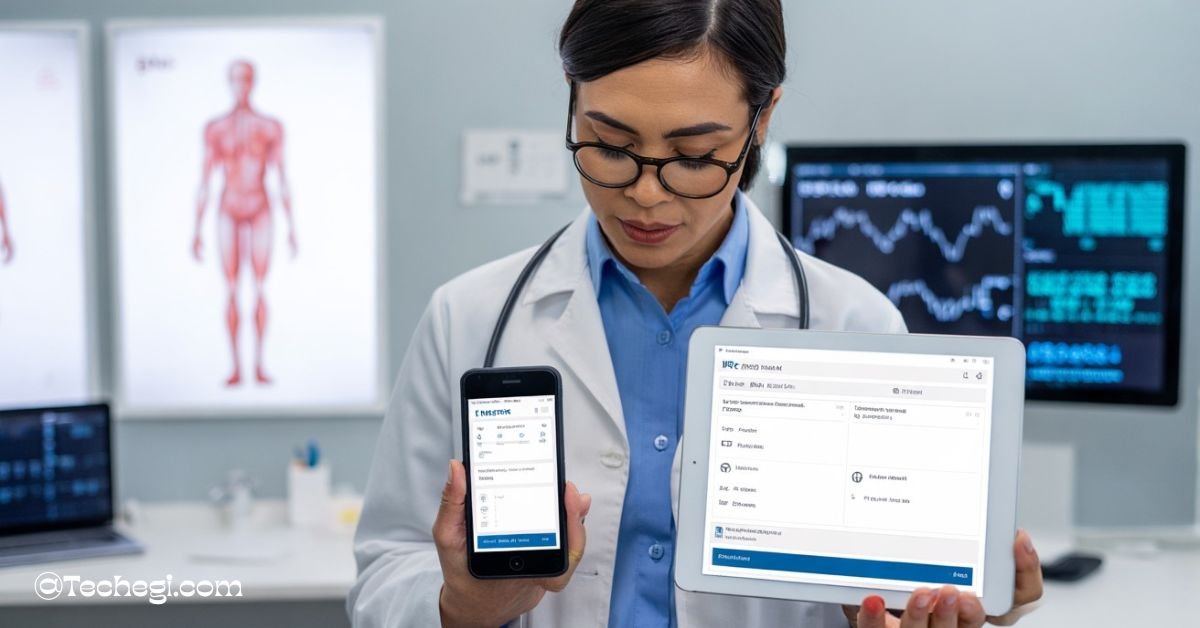
Medent Mobile is a web-based tool that lets healthcare providers access patient records and manage tasks on smartphones and tablets. It requires no app download and supports telemedicine and e-prescribing. This makes care faster and easier on the go.
Stay tuned with us! We will talk about Medent Mobile, its key features, benefits, and how it’s transforming mobile healthcare management.
Introduction
Medent Mobile is a web-based mobile extension of the MEDENT EMR/EHR system. It works through a browser, so no downloads are needed to use it. This means doctors and staff can access patient information quickly and easily from their phones or tablets anywhere. According to sources such as medent.excelsiorortho.com, g2.com, and medent.com, this mobile tool enables healthcare workers to stay connected to patient records on the go.
In today’s healthcare world, Medent Mobile is essential because it offers on-the-go access to medical data. It supports a patient-centered connectivity approach, making sure providers have the correct information when they need it. This helps improve care and saves time by keeping everything handy on a mobile device.
Key Features of Medent Mobile
Medent Mobile offers easy access to important patient information right from your smartphone or tablet. Its features help healthcare providers work faster and stay connected while on the move.
Mobile Access & Interface
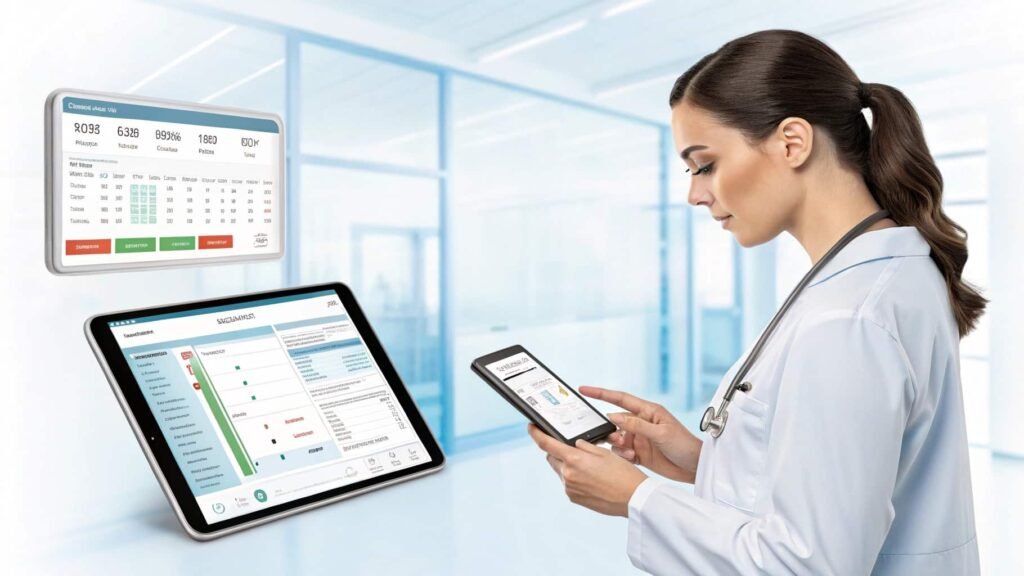
Medent Mobile works smoothly on smartphones and tablets running iOS or Android. It runs right inside a browser or can be accessed quickly using a home-screen shortcut. This makes it easy to open without needing to install any app. The Medent mobile app itself does not require a traditional download, as its browser-based interface functions similarly to a native app.
Core Functionalities
With Medent mobile, users can view medical records, charts, lab results, and problem lists anytime, anywhere, as explained on healthbanks.com. It also supports e-Prescribing and refills directly from the mobile device. Additionally, healthcare providers can review and respond to messages, documents, and triage tasks using features highlighted by softwarefinder.com.
Chart Central & eSuperbills
The platform includes a Today’s Charts view to help doctors focus on current patient needs. It also allows adding eSuperbills as placeholders for scheduling future visits, a feature detailed on medent.excelsiorortho.com and healthbanks.com.
Setup & Configuration
Setting up Medent Mobile is quick and easy with simple steps to activate and log in through the desktop MEDENT system. You can also create a home-screen shortcut on Safari or Android to access it faster.
Medent Mobile Login
Activating Medent Mobile requires logging in through the desktop MEDENT account and unlocking mobile access for your device. The Medent mobile login process ensures secure access to patient information on the go.
Creating Home-Screen Shortcut
Follow easy steps to add Medent Mobile as a shortcut on Safari and Android browsers, explained on medent.com, medent.excelsiorortho.com, and limaonline.net. This shortcut works like an app, eliminating the need for a traditional MEDENT mobile app download.
Permissions & Browser Config
Ensure that you allow the camera, microphone, and cookies in your browser settings to use Medent Mobile for telehealth and video visits smoothly. Proper permissions ensure a whole telemedicine experience without interruptions.
Telemedicine with Medent Mobile
Medent Mobile lets you conduct video visits using medentmobile.com/telemed. It supports popular browsers, including Chrome, Safari, and Edge, on both Android and iOS devices.
Use medentmobile.com/telemed for easy video calls with patients. Supported browsers include Chrome, Safari, Edge on Android and iOS, as noted by medent.com, limaonline.net, and g2.com.
If you encounter issues such as unsupported browsers or permission errors, verify your Wi-Fi settings and browser permissions to resolve common problems.
Patient Management via Mobile
With Medent Mobile, managing patient information is simple and fast from any device. You can add new patients and quickly view details like DOB, provider, and location.
Adding & Viewing Patients
Create new patient accounts and access important info such as date of birth, assigned provider, and location, as explained on findemr.com, medent.excelsiorortho.com, and medent.com.
Viewing & Updating Charts
Easily view and update patient charts, including problem lists, medical history, documents, and lab results, all within Medent Mobile. This flexibility is one reason why many users leave positive Medent mobile reviews.
Common Issues & Troubleshooting
Using Medent Mobile on phones can sometimes cause issues, but most problems have easy fixes. Knowing common bugs helps keep your work smooth and efficient.
Mobile-Specific Bugs
Users report iPhone shortcut problems and the need to clear cache, as shared by healthbanks.com and medent.excelsiorortho.com. Android users may encounter blocks on microphone or camera access, which can interfere with telehealth services.
Resolution Steps
To resolve issues, try clearing your browser cache, re-adding the home-screen shortcut, switching browsers, and ensuring that all necessary permissions are granted for the camera and microphone. If problems persist, contact Medent’s mobile phone number support for assistance.
Benefits for Healthcare Providers
Medent Mobile helps healthcare providers work more efficiently by allowing them to access records remotely during rounds and refill prescriptions on the go. Sources such as limaonline.net, medent.excelsiorortho.com, healthbanks.com, and youtube.com highlight how it enhances patient care through real-time data and telemedicine. It also streamlines daily tasks, such as triages, messages, and managing eSuperbills.
Many providers appreciate the flexibility that the Medent mobile EMR system offers, especially when working outside the office.
Limitations & Considerations
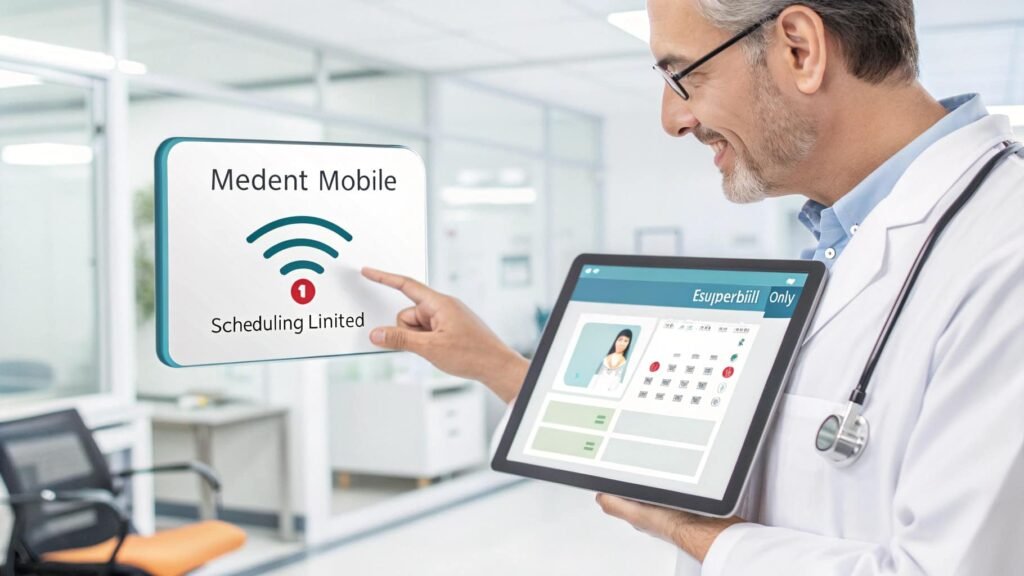
While Medent Mobile offers many features, it does not support complete scheduling from mobile—only eSuperbills can be added as placeholders, according to medent.com, medent.excelsiorortho.com, and healthbanks.com. It requires a reliable internet connection and an updated browser to function correctly. Setting up permissions for the camera, microphone, and cookies can sometimes be tricky for users.
Best Practices & Tips
To get the best experience with Medent Mobile, always keep your browser cache clear. This helps the app run smoothly without old data causing problems. Regularly update your device’s operating system and browser to avoid compatibility issues. Using bookmark shortcuts turns Medent Mobile into an app-like tool, making it faster to open and easier to use on the go. Trusted sources, such as dermyork.com, limaonline.net, and medent.excelsiorortho.com, recommend this approach.
It’s also essential to train your staff on how to manage browser permissions, such as allowing access to the camera and microphone for telehealth purposes. Finally, test the telemedicine functions regularly to identify any issues early and ensure patient visits run smoothly without interruptions.
Future Outlook & Suggestions
Medent Mobile continues to evolve with new features that help healthcare providers work even more effectively. One important improvement would be the addition of an offline mode, allowing users to access patient information even when internet access is unavailable. Another significant enhancement would be a richer e-prescribing interface directly from mobile, making prescription management easier and faster.
There is also room for deeper integration with patient portal features, so patients and providers can share information seamlessly. These upgrades will make Medent Mobile a more powerful and flexible tool for healthcare teams in the future.
FAQ’s
1. What is MEDENT Mobile?
MEDENT Mobile is a web-based extension of the MEDENT EMR/EHR system that lets healthcare providers access patient records and manage tasks on smartphones and tablets without installing an app.
2. How much does MEDENT cost per month?
MEDENT pricing varies based on the size of the practice and chosen features; typically, costs start around $300 per provider per month. It’s best to contact MEDENT directly for exact quotes.
3. Who uses MEDENT?
MEDENT is used by medical practices, clinics, and healthcare providers looking for an easy-to-use electronic medical records system with mobile access.
4. Where is MEDENT located?
MEDENT is headquartered in Pleasanton, California, USA.
5. Who is the CEO of MEDENT?
The CEO of MEDENT is Roy Schoenberg.
Conclusion
In summary, Medent Mobile is a valuable tool for healthcare providers who require rapid, easy access to EMR data from anywhere. It supports many important functions, from reviewing charts to telemedicine video visits. To get the most out of Medent Mobile, healthcare practices should regularly check their setup, keep devices updated, and train staff on its features.
By embracing this mobile extension of the MEDENT EMR/EHR system, providers can enhance patient care and work more efficiently, regardless of their location.
Also read:
- myMITC Mobile App: Easy Workforce Management Tool!
- Mobile Exhibit Displays Cutting-Edge Air Filtration Benefits!
- Mobile deTASO: Streamline Care with Mobile EMR Tools!