
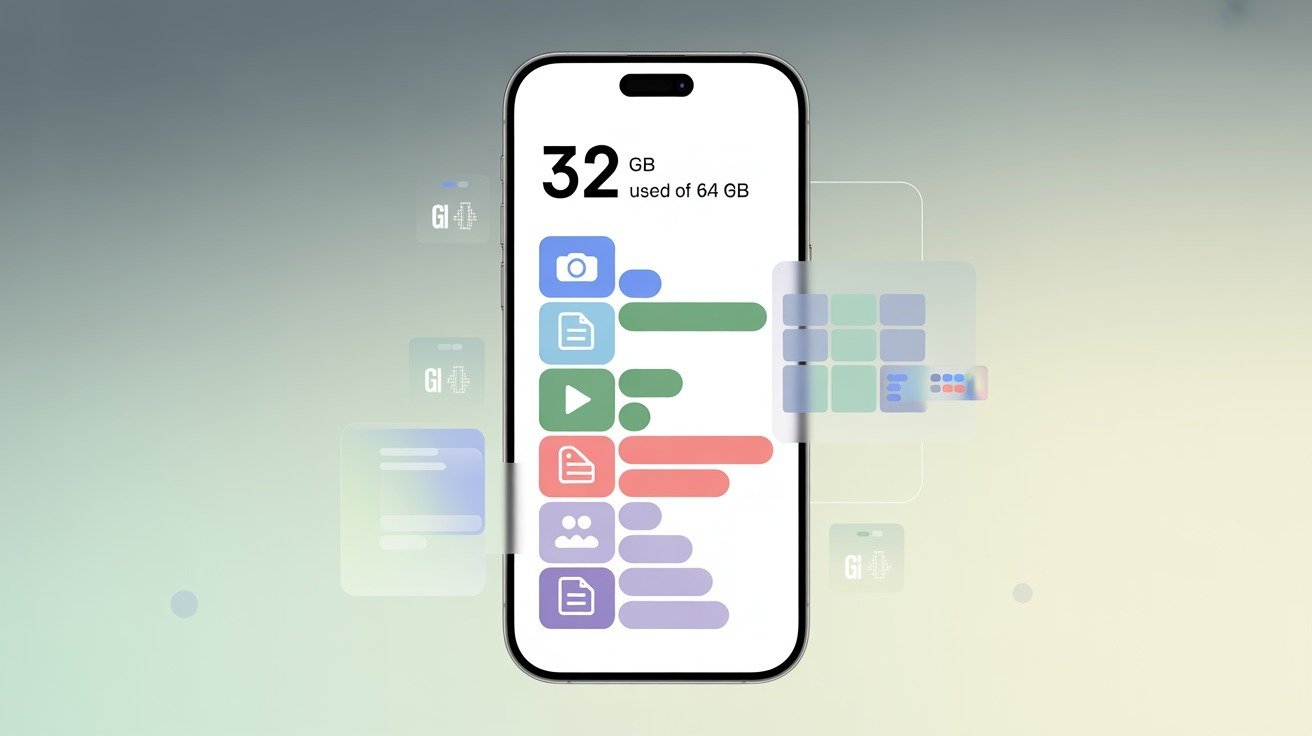
If you are buying a new smartphone or running out of space on your current one, you haveprobably asked yourself: what are gigabytes on a phone, and why do they matter so much?Every modern smartphone advertises its storage in gigabytes (GB), yet many users are unsurewhat that number actually means in daily use. Some phones feel full quickly, while others seemto handle thousands of photos and apps with ease—all because of how gigabytes work.
Gigabytes on a phone measure how much digital information your device can store. Thisincludes apps, photos, videos, music, documents, and even system files. Choosing the wrongstorage size can lead to frequent “storage full” warnings, slower performance, and frustration.On the other hand, understanding gigabytes helps you pick the right phone and manage yourstorage wisely.
In this guide, you’ll learn what are gigabytes on a phone, how they differ from mobile data andRAM, how much storage you really need, and how to manage your phone’s GB efficiently.Everything is explained in clear, easy English for a global audience.
What Is a Gigabyte (GB)?
A gigabyte (GB) is a unit used to measure digital data. In simple terms, it tells you how muchinformation can be stored or processed.
One gigabyte equals approximately one billion bytesin everyday usage. In computing systems, a gigabyte is often calculated as 1,024 megabytes(MB) due to binary measurement standards.
The word “giga” comes from Greek and means “giant.” In technology, it represents a very largequantity of data. Before gigabytes became common, storage was measured in kilobytes (KB)and megabytes (MB).
As digital files grew larger—especially photos, videos, andapps—gigabytes became the standard measurement.To understand scale, it helps to see how data units grow:
● 1,000 MB ≈ 1 GB
● 1,000 GB ≈ 1 terabyte (TB)
When you see phone storage labeled as 64GB or 128GB, it means the phone can hold thatmuch digital information in total. This measurement applies whether the data is a photo, video,app, or system file. Understanding this basic concept makes it much easier to grasp what aregigabytes on a phone and why they matter.
Gigabytes on a Phone — What Does It Really Mean?
When people ask what are gigabytes on a phone, they are usually referring to internalstorage, not internet data or performance memory.
Phone storage gigabytes determine howmuch content you can permanently keep on your device. Every photo you take, app you install,and video you download uses part of this storage.
It’s important to understand that gigabytes can refer to different things in smartphones. StorageGB is the most common meaning, but GB is also used to describe mobile data plans and RAM.
This causes confusion for many users. Storage gigabytes stay on your phone until you deletesomething, while mobile data resets monthly, and RAM works temporarily in the background.
Internal storage directly affects your phone experience. A phone with limited storage fills upquickly, leading to slower performance and blocked updates.
A phone with more storage givesyou freedom to install apps, record videos, and save files without constantly worrying aboutspace.
So, when someone asks what are gigabytes on a phone, the most accurate answer is: theymeasure how much permanent digital content your phone can store.
Storage vs Other GB Concepts
When people talk about gigabytes on a phone, they often mean different things. Storage GB,mobile data GB, and RAM GB each have a separate role in how your phone works. Knowingthe difference helps you choose the right phone and manage your device better.
Phone Storage GB
Phone storage GB is used for apps, photos, videos, music, documents, and system files.Modern smartphones usually start at 32GB or 64GB, while higher-end models offer 128GB,256GB, 512GB, or even 1TB. The more storage your phone has, the more content it can holdcomfortably.
Storage capacity affects daily use more than many people realize. A phone with low storagemay struggle with updates and multitasking. Larger storage helps keep performance smoothbecause the system has room to manage files efficiently.
Mobile Data GB
Mobile data GB refers to how much internet data you can use through your carrier. Streamingvideos, browsing social media, and downloading files all consume mobile data.
Unlike storage,mobile data does not store files permanently on your phone—it only controls internet usage.Many people confuse storage GB with mobile data GB, but they serve completely differentpurposes
RAM (Random Access Memory) in GB
RAM is temporary memory used to run apps and processes. More RAM helps with multitaskingand speed, but it does not increase storage.
A phone with high storage but low RAM may stillfeel slow. That’s why storage size alone does not determine performance.
Why Gigabytes Matter When Choosing a Phone
Choosing the right storage size is one of the most important decisions when buying a phone.Your usage habits determine how many gigabytes you need. Light users who mainly call,message, and browse may survive with lower storage, but most users need more space thanthey expect.
A 32GB phone is suitable only for basic usage and fills up quickly. 64GB to 128GB works wellfor average users who take photos, install common apps, and store some videos. 256GB ormore is ideal for users who record videos, download large apps, or keep offline content. 512GBto 1TB storage is designed for power users, creators, and professionals.
Before choosing a phone, check how much storage you currently use. This simple step helpsavoid storage issues later and ensures a smoother long-term experience.
How Many Photos, Videos, and Files Fit in a Given Number ofGB?
Understanding real-world storage examples makes gigabytes easier to visualize. On average, ahigh-quality photo takes between 3–5 MB.
This means a 64GB phone can store roughly12,000 photos, depending on camera settings and file size.
Videos consume much more space. A one-minute HD video can take 100–150 MB, while 4Kvideos can use several hundred megabytes per minute. A 128GB phone can store around 300short HD videos, but far fewer if recorded in higher resolution.Apps also vary widely.
Simple apps may use only a few megabytes, while games and socialmedia apps can consume several gigabytes over time due to cached data. These examples
show why understanding what are gigabytes on a phone is essential for managing storageeffectively.
Real-World Phone Storage Sizes (2025 Trend)
In 2025, most smartphones start with 64GB as a practical minimum, while flagship modelscommonly offer 128GB or more. As cameras improve and apps become larger, manufacturerscontinue increasing storage options. Phones with 512GB and 1TB storage are no longer rare,especially in premium models.
Popular brands now focus on cloud integration, but local storage remains crucial. Not everyonewants to rely on the internet to access files. This trend shows that gigabytes are becoming moreimportant, not less, in modern smartphones
How to Check and Manage Gigabytes on Your Phone
You can easily check storage usage through your phone’s settings. Both Android and iPhoneprovide a clear breakdown showing how much space apps, photos, and system files use. Thishelps identify what is consuming the most storage.
Managing gigabytes involves regular cleanup. Deleting unused apps, removing old photos orvideos, using cloud storage, and transferring files to external storage (if supported) can free upspace.
Simple habits like clearing cache and backing up media keep storage under control andprevent performance issues.
What Happens When Your Phone Runs Out of Storage?
When storage fills up, your phone displays warnings like “Storage Full.” Apps may crash, newapps won’t install, and system updates may fail. Performance often slows because the phonelacks space to manage temporary files. Keeping free storage available is essential for stableoperation.
Over time, full storage can also affect camera performance and prevent backups from savingproperly. Regularly freeing up space helps your phone run smoothly and avoids suddenproblems.
Expandable Storage: MicroSD vs Onboard Storage
Some phones support microSD cards, allowing storage expansion. This offers flexibility andlower cost, but microSD cards are usually slower than internal storage. Phones withoutexpandable storage rely entirely on built-in GB, making it more important to choose wisely atpurchase.
Expandable storage is useful for photos and videos, while built-in storage is better for apps andsystem performance. Not all apps can be moved to microSD cards, so internal storage stillmatters most.
Tips to Optimize Phone Storage
Optimizing storage involves smart usage rather than constant deletion. Using cloud backups,setting the camera to optimized file sizes, reviewing storage reports regularly, and clearingunnecessary cache data can dramatically extend available space and improve performance.
Simple habits like removing unused apps and backing up files weekly can prevent storageissues. A well-managed phone storage stays faster, smoother, and more reliable over time.
Frequently Asked Questions (FAQs)
1. What are gigabytes on a phone used for?
Gigabytes on a phone are used to store apps, photos, videos, files, and system datapermanently.
2. How many gigabytes do I really need on my phone?
Gigabytes on a phone are used to store apps, photos, videos, files, and system data permanently.
How can I free up gigabytes on my phone?
Delete unused apps, back up photos to the cloud, clear cache, and remove old files regularly.
Is 64GB enough storage on a phone?
64GB can work for light users but may feel limited over time due to app and media growth.
What’s the difference between mobile data GB and phone storage
GB?
Storage GB saves files permanently, while mobile data GB limits internet usage.
Conclusion
Understanding what are gigabytes on a phone helps you make smarter decisions whenbuying and using a smartphone. Gigabytes determine how much content your phone can storeand directly affect performance, usability, and long-term satisfaction.
Choosing the right storagesize based on your habits prevents frustration and extends your phone’s lifespan.
By managing storage wisely—through cleanup, cloud backups, and smart settings—you cankeep your phone running smoothly even as your digital life grows. Whether you are a casualuser or a power user, knowing how gigabytes work ensures you get the most value from yourdevice.