
Starting a new mobile service can feel overwhelming, especially if you are unfamiliar with technical terms and activation steps. Spectrum mobile activation is designed to be user-friendly, but understanding how it works in advance can save time and prevent common mistakes.
This guide explains how to spectrum mobile activate your phone in a clear and practical way. Whether you are using a physical SIM, eSIM, or bringing your own device, the steps below will help you complete activation with confidence.
What Is Spectrum Mobile and How Does It Work?
Spectrum Mobile is a wireless service offered exclusively to Spectrum Internet customers. It works as a mobile virtual network operator, which means it does not own cellular towers. Instead, it uses Verizon’s nationwide network to deliver voice, text, and data services.
Because of this setup, users get access to strong nationwide coverage while managing everything through Spectrum’s online systems, including spectrum.net mobile activation. To use the service, your phone must be unlocked and compatible with Spectrum’s network requirements.
What Plans Does Spectrum Mobile Offer?
Spectrum Mobile offers two main plan categories: unlimited plans and By-the-Gig plans. Unlimited plans are suitable for users who stream, browse, or use data frequently, while By-the-Gig plans work well for light data users.
Once you choose a plan, you can complete Spectrum mobile activation online through your Spectrum account. There are no contracts, which means you can change or cancel your plan without long-term commitments.
Is Spectrum Mobile the Right Choice for You?
Spectrum Mobile may be a good option if you already have Spectrum Internet and want a simple mobile plan with reliable coverage. It focuses on essential features rather than premium extras, which keeps pricing straightforward.
However, Spectrum Mobile is not available without Spectrum Internet service. Understanding this requirement before starting spectrum mobile activation helps avoid delays or failed activation attempts.
How Do You Activate Spectrum Mobile Step by Step?
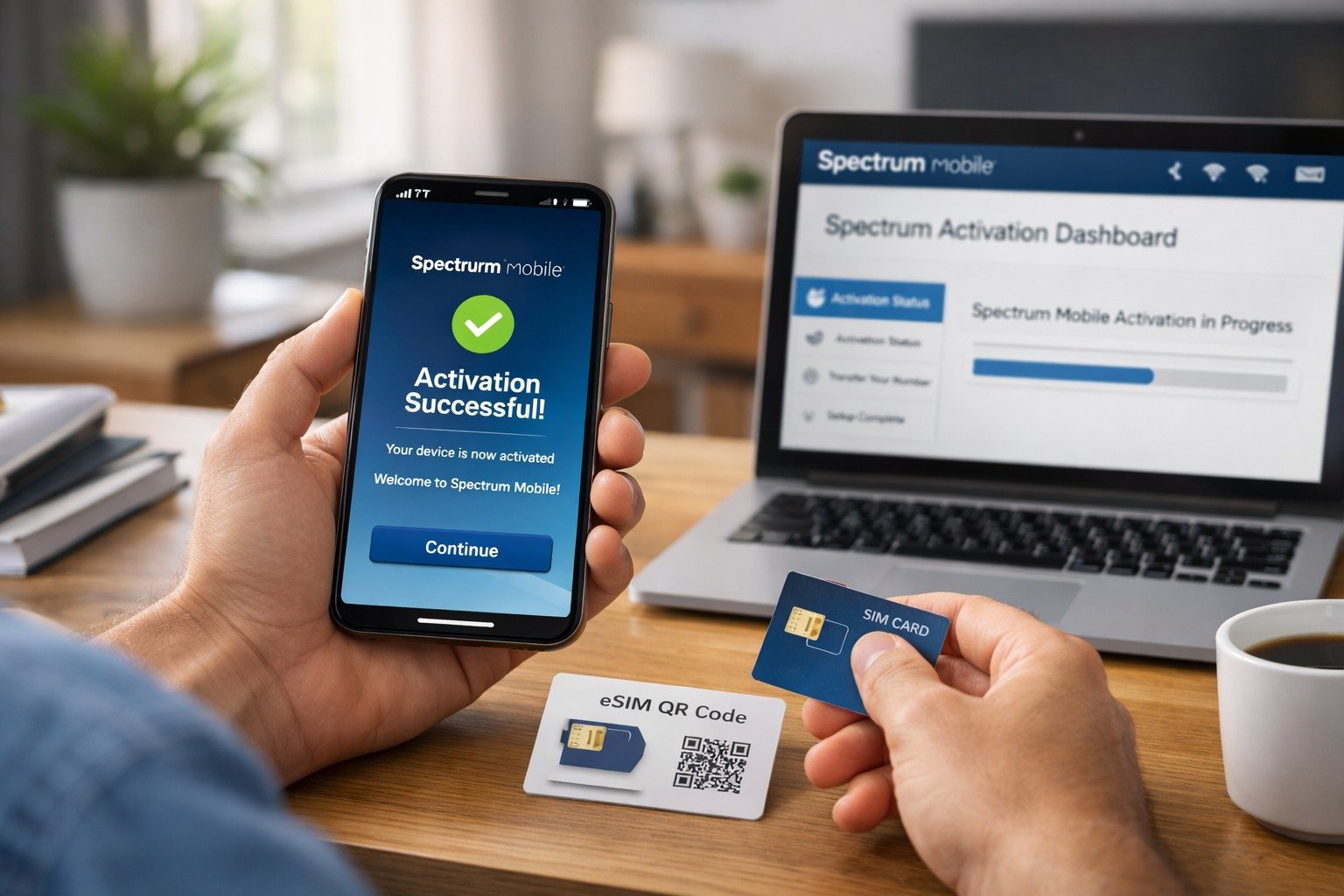
The activation process is handled through the Spectrum Activation Dashboard, which guides you through each step clearly.
First, turn off your phone and insert the SIM card if you are using a physical one. Next, connect your device to a stable Wi-Fi network. Log in to your Spectrum account and open the Spectrum Activation Dashboard. If you are keeping your existing phone number, you will need details from your previous carrier.
During activation, your account may display Spectrum Mobile activation in Progress. This status usually clears within a short time. After activation is complete, restart your phone to connect to the network fully.
How Do You Activate Spectrum Mobile Using an eSIM?
eSIM activation removes the need for a physical SIM card. If your phone supports eSIM, activation can be quicker and more convenient.
After activating your line through the dashboard, your phone will prompt you to download the eSIM. Once installed, the device connects automatically to the network. This method avoids the need to manually Spectrum activate SIM card and reduces physical handling issues.
How Do You Activate Spectrum Mobile on iPhone 12 or Newer?
iPhone 12 models and newer fully support eSIM technology. After activating your line, connect to Wi-Fi and follow the on-screen prompts to install the Spectrum cellular plan.
If the prompt does not appear, you can manually add the plan using device settings. In some cases, Spectrum may provide instructions that include a Spectrum com activate Code to complete setup successfully.
How Do You Activate Spectrum Mobile on iPhone XR, XS, 11, or iPhone SE (2nd Generation)?
These iPhone models also support eSIM but may require additional manual steps. Once your line is active, you can scan a QR code or enter details manually in cellular settings.
During setup, you may be asked to enter a Spectrum mobile activation code. Make sure your phone is updated to the latest iOS version to avoid installation errors.
How Do You Activate Spectrum Mobile on Samsung Galaxy S24 Series?
Samsung Galaxy S24, S24+, and S24 Ultra devices support both physical SIM and eSIM activation. After activating your line online, you may receive a notification to install the eSIM automatically.
If not, you can manually add it through SIM Manager in your device settings. Some users may also be guided through Spectrum com activate apps provided in their Spectrum account for easier setup.
How Do You Bring Your Own Device (BYOD) to Spectrum Mobile?
Bringing your own device allows you to keep your current phone while switching to Spectrum Mobile. Before activation, make sure your phone is unlocked, paid off, and running the latest software.
During setup, Spectrum checks compatibility using your device details. Most BYOD users complete Spectrum mobile activation online without needing to contact support.
Do You Need an IMEI Number for Spectrum Mobile Activation?
The IMEI is a unique number that identifies your phone. Spectrum uses it to verify that your device works on their network.
If you are using a physical SIM, you may also need the ICCID printed on the SIM card. These details ensure the correct device and SIM are paired when you Spectrum activate SIM card.
How Does Spectrum Mobile Activation Work on Dual SIM Phones?
Dual SIM phones can hold more than one cellular plan. Spectrum Mobile works normally on these devices, as long as the correct IMEI is used during activation.
Make sure you select the correct SIM or eSIM slot to avoid service issues. This helps ensure the spectrum mobile activation process completes without errors.
What Is the Bottom Line on Spectrum Mobile Activation?
Overall, spectrum mobile activation is straightforward for most users. Whether you are activating a new phone, using eSIM, or bringing your own device, the online dashboard provides clear guidance.
If problems occur, customer support is available to help complete activation and resolve technical issues.
FAQ,s
1. How Do You Activate Your Phone on Spectrum Mobile?
You can activate your phone using Spectrum mobile activation online through the My Spectrum App or Spectrum.net. Follow the prompts in the activation dashboard to complete setup.
2. What Is the Spectrum Mobile Activation Phone Number?
The official spectrum mobile activation phone number, also known as the Spectrum mobile activation number or spectrum mobile activate phone number, is (866) 991-6500.
3. How Long Does Spectrum Mobile Activation Take?
Most activations finish within minutes. If you are transferring a number, your account may show Spectrum Mobile activation in Progress until the transfer completes.
Conclusion
Activating Spectrum Mobile is simple when you follow the right steps. Whether using a SIM card, eSIM, or bringing your own device, the Spectrum Activation Dashboard and Spectrum mobile activation code make the process quick and easy. If any issues arise, you can use Spectrum mobile activation online or call the spectrum mobile activation phone number for support.
Also read: