
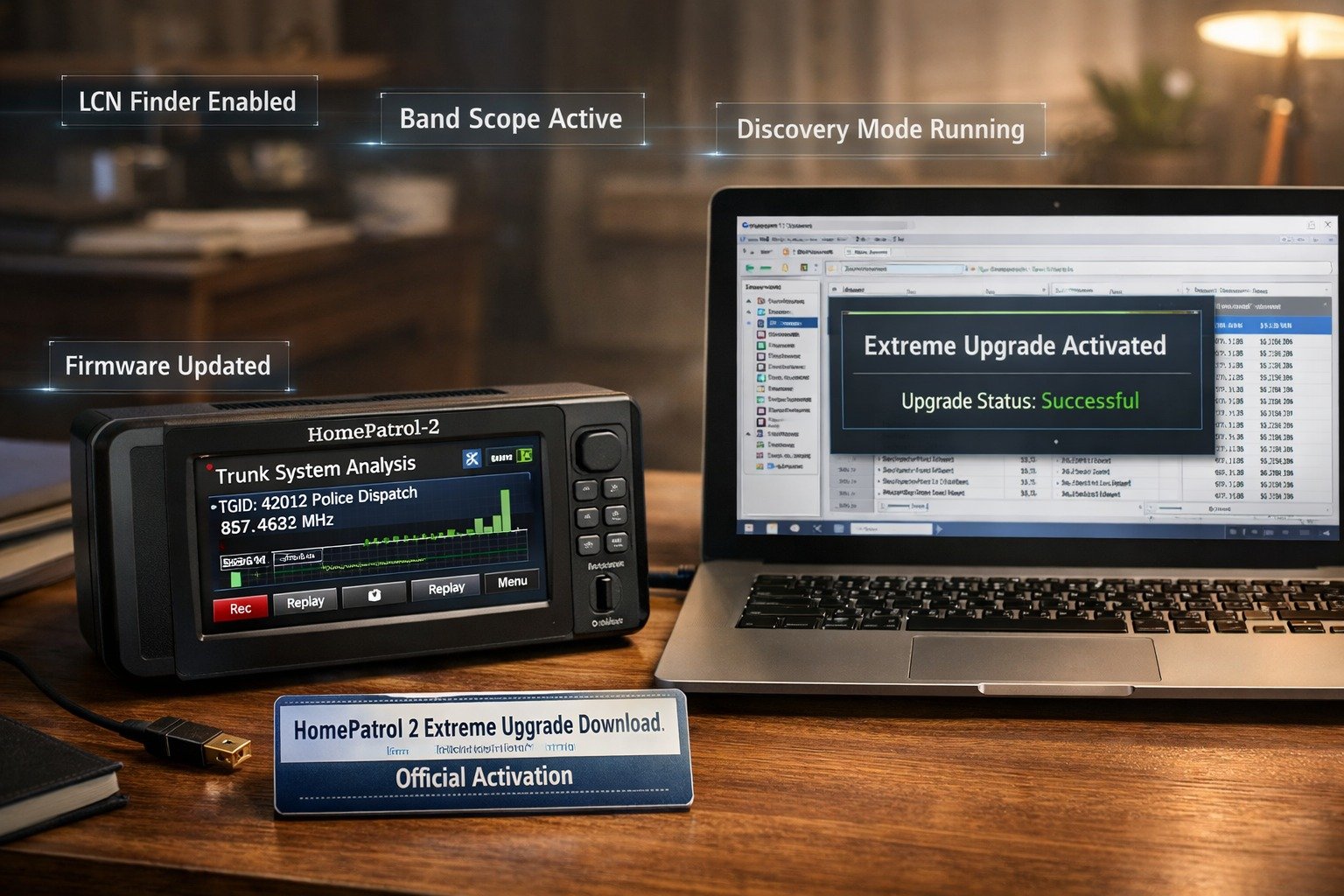
If you own a Uniden HomePatrol-2 scanner and want to unlock its full technical potential, you’ve probably searched for the term homepatrol 2 extreme upgrade download. This upgrade transforms a user-friendly touch-screen scanner into a powerful analysis and discovery tool designed for serious radio enthusiasts. While the standard HomePatrol-2 is excellent for basic monitoring, the Extreme Upgrade adds advanced features like trunked system analysis, LCN Finder, band scope, and detailed logging.
However, many users are unsure how the upgrade works, where to download it safely, and how to activate it correctly. In this complete guide, you’ll learn everything step by step — from understanding what the upgrade actually does to verifying activation and troubleshooting problems. Whether you are a hobbyist, emergency communications monitor, or advanced scanner user, this guide will walk you through the process clearly and safely.
What Is the HomePatrol 2 Scanner?
The Uniden HomePatrol-2 is a digital touch-screen scanner designed to make radio monitoring simple. Unlike traditional scanners that require manual frequency programming, the HomePatrol-2 uses a ZIP code-based system. You enter your location, and the device automatically loads nearby public safety and radio systems from a built-in database.
The base model supports analog systems and APCO Project 25 (P25) Phase I digital systems. It can monitor police, fire, EMS, aviation, railroads, and other radio services depending on what is available in your region. The device is popular because it combines ease of use with strong performance.
Typical users include hobbyists, emergency service volunteers, storm spotters, and radio researchers. The large touchscreen interface makes it beginner-friendly, while the internal database makes setup quick and efficient. However, while powerful, the standard version lacks advanced diagnostic and discovery tools — which is where the Extreme Upgrade becomes important.
What Is the HomePatrol 2 Extreme Upgrade?
The Extreme Upgrade is a paid software enhancement designed specifically for the HomePatrol-2. It does not change the hardware of the device. Instead, it unlocks advanced scanning and system analysis features that are disabled in the standard version.
Many users search for homepatrol 2 extreme upgrade download because they want to activate advanced capabilities without purchasing a new scanner. This upgrade turns the HomePatrol-2 into a more technical tool, enabling users to analyze trunked systems, search for unknown talkgroups, and monitor system behavior in detail.
It is important to understand that this is not a firmware replacement or hardware modification. The Extreme Upgrade works through an activation key linked to your scanner’s Electronic Serial Number (ESN). Once activated, additional menu options appear.
The difference between hardware and software upgrades is critical. A hardware upgrade would require physical components. The Extreme Upgrade is entirely digital, delivered through official software and tied to your specific scanner unit.
Features Included in the HomePatrol 2 Extreme Upgrade
Advanced System Analysis
One of the most valuable additions is trunked system analysis. Trunked systems use complex frequency rotation patterns, and the Extreme Upgrade allows users to monitor how these systems operate in real time.
The LCN (Logical Channel Number) Finder is particularly useful for analyzing DMR and trunked radio systems. It helps identify channel mapping, which is essential for advanced programming and research.
The Band Scope feature allows users to visually monitor signal strength across a frequency range. This tool is helpful when searching for active frequencies or analyzing interference.
Discovery Modes
Trunking discovery mode helps users locate unknown talkgroups on trunked systems. This is extremely valuable for radio hobbyists who want to map newly added channels.
Conventional discovery mode scans frequency ranges to identify active transmissions. This feature is useful for identifying local frequencies not yet listed in public databases.
Advanced Recording & Logging
With the Extreme Upgrade, recording becomes more detailed. Activity logging tracks system usage and stores information about which talkgroups were active and when.
Replay functionality allows users to review previously captured transmissions. System usage reports provide analytical insight into frequency activity patterns.
Standard Version vs Extreme Upgrade – Full Comparison
When users search for homepatrol 2 extreme upgrade download, they often want to understand whether the added features justify the cost. The comparison below clarifies the differences:
| Feature | Standard HomePatrol 2 | Extreme Upgrade |
| Basic Scanning | ✅ | ✅ |
| Trunking Discovery | ❌ | ✅ |
| LCN Finder | ❌ | ✅ |
| Band Scope | ❌ | ✅ |
| Detailed Logging | ❌ | ✅ |
The standard version is excellent for everyday listening. However, the Extreme Upgrade is designed for users who want deep system analysis and advanced research capabilities.
How to Purchase the HomePatrol 2 Extreme Upgrade
The only official source for the upgrade is Uniden. Purchasing directly from the manufacturer ensures that you receive a legitimate activation key tied to your scanner’s ESN.
The cost typically falls in the mid-range price category compared to buying a new scanner. While it is a paid upgrade, it is significantly more affordable than upgrading hardware.
Avoid unofficial websites offering free downloads. The homepatrol 2 extreme upgrade download requires a valid activation key. Unauthorized downloads may contain malware or simply fail to activate.
Buying directly from the official website ensures compatibility and access to customer support if activation issues arise.
HomePatrol 2 Extreme Upgrade Download – Step-by-Step Guide
This section is the core of the process.
Before You Download (Checklist)
Before beginning the homepatrol 2 extreme upgrade download, ensure your firmware is updated. An outdated firmware version may prevent activation.
Make sure you have a stable internet connection and access to your scanner’s ESN and checksum. Registration is required to generate the activation key.
Step 1 – Install Sentinel Software
Sentinel is the official programming and update software for the HomePatrol-2. It manages firmware updates, database downloads, and activation procedures.
Sentinel is required for the homepatrol 2 extreme upgrade download because it communicates with the scanner and applies the activation key correctly.
Step 2 – Register Your Scanner
Connect the scanner to your computer. Locate the ESN and checksum in the settings menu. Create an account on Uniden’s official site and register your device.
After purchasing the upgrade, you will receive an activation key linked specifically to your scanner.
Step 3 – Enter Activation Key
Open Sentinel, navigate to the upgrade section, and enter your activation key exactly as provided.
Once entered successfully, disconnect the scanner and restart it. The new features should now appear in the menu.
How to Verify That the Extreme Upgrade Is Activated
After completing the homepatrol 2 extreme upgrade download, check the advanced menu options. You should see Band Scope and LCN Finder available.
Test Band Scope to confirm functionality. Run LCN Finder on a known trunked system. If these features operate correctly, the activation was successful.
Common Problems During HomePatrol 2 Extreme Upgrade Download
Activation Key Not Working
Double-check ESN and checksum entries. Ensure there are no typing errors.
Sentinel Not Detecting Scanner
Verify USB connection mode is set correctly. Try a different cable or USB port.
Firmware Compatibility Errors
Update firmware using Sentinel before applying the activation key.
Download Interrupted
Restart the software and reconnect the device. Avoid disconnecting during activation.
Firmware Requirements and Compatibility
The Extreme Upgrade requires updated firmware. Using outdated firmware may cause missing features or activation errors.
To update firmware, use Sentinel’s update option while connected to the internet. Firmware updates improve stability and compatibility.
Also, ensure your SD card is functioning correctly. A corrupted SD card may prevent features from loading properly.
Is the HomePatrol 2 Extreme Upgrade Worth It?
Best For
Radio hobbyists benefit greatly from discovery and analysis tools. Emergency monitoring users gain insight into system behavior. Advanced researchers can analyze trunking systems deeply.
Not Ideal For
Casual listeners who only want to hear local police or fire channels may not need advanced features. Users seeking simple plug-and-play operation might find the upgrade unnecessary.
Real-World Use Cases
The Extreme Upgrade helps users discover unknown talkgroups in growing trunked systems. It allows mapping of frequency patterns and system architecture.
Public safety monitoring becomes more detailed with logging tools. Researchers studying communication trends can generate meaningful activity reports.
Legal Considerations Before Using Extreme Features
Scanning laws vary by country and state. Users must ensure compliance with local regulations.
Encrypted channels cannot be decoded, even with the Extreme Upgrade. Responsible monitoring practices are essential.
Backup & Restore Before Upgrading
Before performing the homepatrol 2 extreme upgrade download, back up your configuration using Sentinel.
Export favorite lists and consider cloning your SD card. This protects your data if something goes wrong.
Tips to Optimize Your Scanner After the Extreme Upgrade Download
Organize favorite lists to avoid clutter. Use custom alerts for priority talkgroups. Manage recording storage to prevent SD card overflow.
Regularly update the internal database to maintain accuracy.
Pros and Cons of the HomePatrol 2 Extreme Upgrade
The upgrade provides powerful discovery tools, better analysis, and advanced logging. However, it is a paid upgrade and requires technical understanding.
Frequently Asked Questions (FAQs)
1. How long does the homepatrol 2 extreme upgrade download process take?
Typically 10–20 minutes if firmware is updated and the internet connection is stable.
2. Can I reinstall the upgrade after resetting my scanner?
Yes, as long as you retain your activation key and ESN.
3. Is the upgrade tied to my account or my scanner?
It is tied to your specific scanner’s ESN.
4. Does this upgrade improve reception quality?
No, it adds features but does not change antenna performance.
5. Can I use the upgrade offline?
Yes, once activated, internet access is not required for daily use.
Final Verdict – Should You Download the HomePatrol 2 Extreme Upgrade?
The homepatrol 2 extreme upgrade download is a powerful enhancement for users who want more than basic scanning. It transforms the HomePatrol-2 into an advanced analysis tool capable of discovery, logging, and system research.
If you are a serious radio hobbyist or researcher, the upgrade delivers strong long-term value. Casual listeners may not need its advanced features. Overall, it is a worthwhile investment for those who want deeper insight into radio communications.
Also read: