
In today’s digital world, online security and privacy are more important than ever. ZoogVPN for iPhone has become one of the most reliable solutions for iOS users who want fast, private, and unrestricted internet access. Whether you are concerned about public Wi-Fi safety, bypassing geo-blocks, or simply keeping your browsing data private, ZoogVPN offers a complete package.
This detailed guide covers everything you need to know about ZoogVPN for iPhone — from its key features and setup process to real-world benefits and FAQs.
What is ZoogVPN for iPhone?
ZoogVPN for iPhone is a virtual private network (VPN) app designed specifically for Apple iOS devices. It encrypts your internet traffic, hides your IP address, and ensures secure browsing. With its simple interface and strong security protocols, ZoogVPN has become a top choice for iPhone users who value privacy without compromising speed.
Unlike traditional browsing, where your activity can be tracked by ISPs, hackers, or third parties, ZoogVPN creates a private tunnel between your iPhone and the internet. This means your sensitive data like passwords, online payments, and personal information remain protected.
Why Choose ZoogVPN for iPhone?
There are many VPNs available for iOS, but ZoogVPN stands out because of its unique blend of speed, security, and accessibility. Here are some reasons why iPhone users prefer ZoogVPN:
- Fast Servers: Optimized servers in multiple countries for seamless streaming and browsing.
- Strong Encryption: Military-grade AES-256 encryption keeps your data safe.
- Zero-Logs Policy: Your browsing activities are not stored or monitored.
- Unblock Content: Access geo-restricted websites, apps, and streaming services worldwide.
- User-Friendly App: Easy-to-navigate interface for beginners and experts alike.
- Free Plan Available: Unlike many VPNs, ZoogVPN offers a generous free tier with decent performance.
Key Features of ZoogVPN for iPhone
1. Military-Grade Encryption
ZoogVPN uses AES-256 encryption, the industry standard used by governments and banks. This ensures your personal data, browsing history, and online transactions remain private.
2. Global Server Coverage
With servers spread across North America, Europe, Asia, and other regions, ZoogVPN allows you to connect from almost anywhere in the world. This makes it easier to bypass censorship and access global content.
3. High-Speed Performance
Speed is a critical factor when choosing a VPN for iPhone. ZoogVPN offers optimized servers that minimize lag and maintain fast streaming on platforms like Netflix, Hulu, Disney+, and YouTube.
4. Zero-Log Policy
Privacy is at the core of ZoogVPN. The app does not store your online activities, ensuring total anonymity.
5. Easy One-Tap Connect
The iOS app is designed with simplicity in mind. You can connect to a VPN server with just one tap, making it accessible even for first-time users.
6. Wi-Fi Security
Public Wi-Fi hotspots are prime targets for hackers. ZoogVPN protects your iPhone whenever you connect to unsecured networks in cafes, airports, or hotels.
How to Set Up ZoogVPN on iPhone
Setting up ZoogVPN for iPhone is simple and quick. Follow these steps:
- Download the App: Go to the App Store and search for “ZoogVPN.”
- Install: Tap “Get” and install the app on your iPhone.
- Create an Account: Sign up with your email or log in if you already have an account.
- Choose a Server: Select a server location from the list.
- Connect: Tap the “Connect” button, and you are ready to browse securely.
Benefits of Using ZoogVPN for iPhone
1. Safe Public Wi-Fi Browsing
ZoogVPN protects you from hackers when using public Wi-Fi networks, making it ideal for travelers and remote workers.
2. Access Geo-Blocked Content
Want to watch shows only available in the US or UK? ZoogVPN lets you bypass geographical restrictions easily.
3. Protect Sensitive Data
From banking apps to email accounts, ZoogVPN ensures your sensitive information stays encrypted.
4. Improved Online Gaming
For iPhone gamers, ZoogVPN can reduce lag and prevent bandwidth throttling by ISPs.
5. Anonymous Browsing
Your real IP address is hidden, allowing you to surf the web privately.
ZoogVPN vs. Other iPhone VPNs
| Feature | ZoogVPN | ExpressVPN | NordVPN | ProtonVPN |
| Free Plan Available | ✅ | ❌ | ❌ | ✅ |
| User-Friendly App | ✅ | ✅ | ✅ | ✅ |
| Global Servers | ✅ | ✅ | ✅ | ✅ |
| Zero-Logs Policy | ✅ | ✅ | ✅ | ✅ |
| Affordable Pricing | ✅ | ❌ | ❌ | ✅ |
ZoogVPN provides a great balance between affordability and performance compared to premium competitors.
ZoogVPN Pricing Plans for iPhone
ZoogVPN offers both free and premium plans:
- Free Plan: Limited servers, but still provides strong encryption.
- Premium Plan: Full access to all servers, unlimited bandwidth, and advanced features.
Their paid plans are competitively priced, making them budget-friendly compared to bigger names.
How Secure is ZoogVPN for iPhone?
ZoogVPN uses top-notch encryption and follows a zero-logs policy. It also supports OpenVPN and IKEv2 protocols, which are trusted across the cybersecurity community. With these protections, your iPhone data is safe from hackers, trackers, and snoopers.
Streaming with ZoogVPN on iPhone
ZoogVPN allows iPhone users to stream content from popular platforms like:
- Netflix
- Hulu
- BBC iPlayer
- Disney+
- YouTube
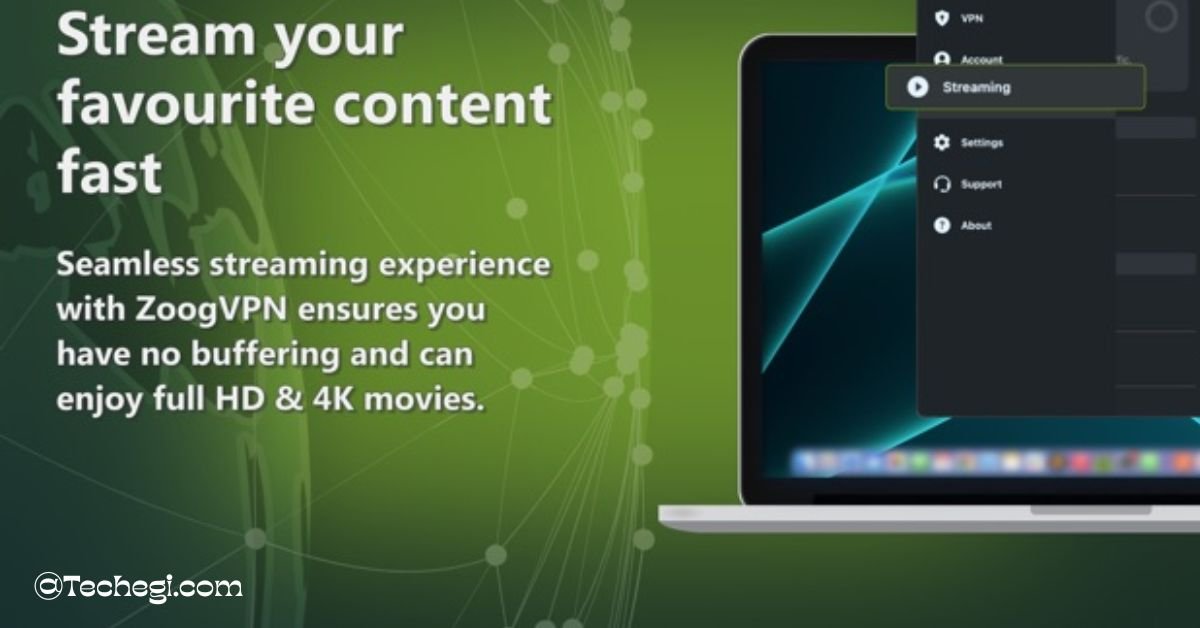
By connecting to servers in different regions, you can unlock shows and movies not available in your country.
Is ZoogVPN for iPhone Good for Gaming?
Yes. Many iPhone gamers use ZoogVPN to reduce ping times, prevent lag, and bypass restrictions on certain gaming servers. It also ensures that your personal data stays safe during online gameplay.
Pros and Cons of ZoogVPN for iPhone
Pros:
- Free plan available
- Strong encryption
- Easy-to-use iOS app
- Unblocks streaming platforms
- Affordable pricing
Cons:
- Limited free servers
- Fewer advanced features compared to premium VPNs
FAQs about ZoogVPN for iPhone
What is ZoogVPN for iPhone?
It is a VPN app for iOS devices that secures your browsing, hides your IP, and unblocks global content.
Is ZoogVPN safe for iPhone?
Yes. With AES-256 encryption and a zero-logs policy, ZoogVPN ensures complete security and privacy.
Does ZoogVPN work with Netflix on iPhone?
Yes. You can access Netflix and other streaming platforms with ZoogVPN servers.
Can I use ZoogVPN for free on iPhone?
Yes. ZoogVPN offers a free plan with limited server options.
How fast is ZoogVPN on iPhone?
ZoogVPN provides optimized servers for high-speed browsing and streaming.
Is ZoogVPN legal to use on iPhone?
Yes. VPNs are legal in most countries, including the US and Europe.
How do I install ZoogVPN on iPhone?
Simply download the app from the App Store, create an account, and connect with one tap.
Conclusion
ZoogVPN for iPhone is a powerful yet affordable VPN solution. It’s perfect for iPhone users in the USA who want security, streaming freedom, and privacy. Whether you’re a student, traveler, gamer, or remote worker, ZoogVPN offers a balance of features, affordability, and ease of use.