
Introduction
In today’s fast-paced digital age, reliable internet access is a necessity, whether you’re working remotely, traveling, or simply streaming your favorite show on the go. This is where the question often arises: what is a mobile hotspot and how can it help?
A mobile hotspot is a convenient solution that allows you to share your phone’s or dedicated device’s cellular internet connection with other devices like laptops, tablets, or even smart TVs. Whether you’re on the road or stuck without Wi-Fi, a mobile hotspot can keep you connected when it matters most.
As the demand for mobility and connectivity grows, mobile hotspots have become an essential part of everyday tech use. In this comprehensive guide, we’ll explore exactly what a mobile hotspot is, how it works, how to set one up, and why it’s both a smart and practical solution for millions of users worldwide.
Let’s dive into the full story behind what is a mobile hotspot, its uses, benefits, and best practices for getting the most out of it.
What Is a Mobile Hotspot?
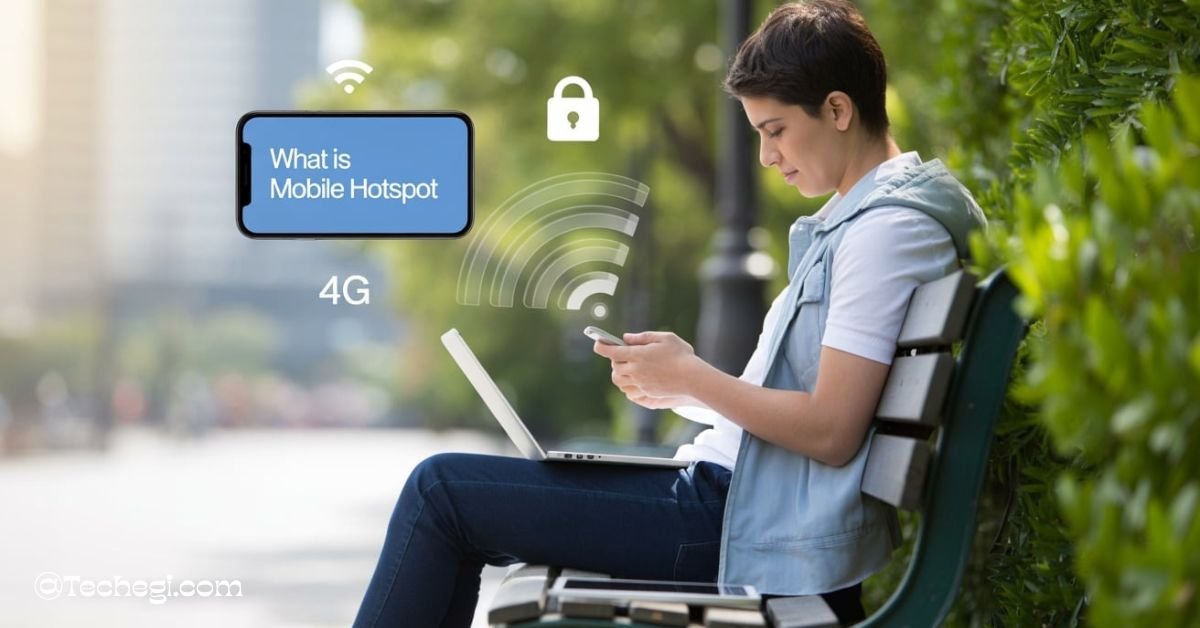
A mobile hotspot is a technology that allows a device—typically a smartphone or a dedicated mobile router—to share its cellular data connection with other nearby devices via Wi-Fi. This feature turns your phone or device into a portable internet access point, providing connectivity anywhere there’s cellular coverage.
Synonyms for mobile hotspot include tethering, MiFi, or portable Wi-Fi hotspot. While these terms are often used interchangeably, they have subtle differences:
- Tethering usually refers to connecting one device (like a laptop) to a smartphone using USB, Bluetooth, or Wi-Fi to access the internet.
- MiFi is a branded name commonly used for dedicated mobile hotspot devices that support multiple simultaneous connections.
- Portable Wi-Fi hotspot is a broader term encompassing both phone-based and dedicated devices offering Wi-Fi via a cellular network.
According to experts at TechTarget, WhistleOut, and NETGEAR, mobile hotspots offer a seamless way to stay online when traditional broadband isn’t available. They’re ideal for travel, remote work, and emergency situations, making them a flexible alternative to fixed internet.
How Mobile Hotspot Works
To understand how a mobile hotspot works, it’s important to know how cellular data is transformed into usable Wi-Fi for your other devices.
When a mobile hotspot is activated—either on your smartphone or a standalone device—it creates a local Wi-Fi network using radio waves. This network is powered by the cellular internet connection (3G, 4G LTE, or 5G), which the hotspot device receives just like a phone would. Then, the device shares that connection with nearby devices by acting like a wireless router.
This process is technically known as tethering, and it enables multiple devices to connect to the internet using just one cellular data plan. As described by TechTarget and GeeksforGeeks, the hotspot acts as a mediator between your devices and the internet, managing traffic, maintaining security, and optimizing signal strength.
Modern mobile hotspots are capable of transmitting over dual-band (2.4GHz and 5GHz) networks, offering greater flexibility and speed depending on the needs of connected devices. Some even include advanced features like VPN passthrough, multiple SSID support, and extended battery life for continuous connectivity.
Types of Mobile Hotspots
Mobile hotspots come in two main types: smartphone hotspots and dedicated hotspot devices.
Smartphone Hotspots
Built-in on nearly all modern iOS and Android devices, smartphone hotspots enable tethering directly through your mobile phone’s settings. With a few taps, your phone creates a local Wi-Fi network using its cellular connection, allowing laptops, tablets, and other devices to connect.
According to NETGEAR and Frontier, smartphone hotspots are perfect for quick, temporary internet access. They’re ideal for travelers, students, and remote workers who don’t want to carry extra gear.
However, using your smartphone as a hotspot can drain battery life quickly and might be limited by your carrier’s data plan restrictions.
Dedicated Hotspot Devices (MiFi or Dongles)
Dedicated devices like MiFi units or USB dongles serve only one purpose: providing a mobile Wi-Fi hotspot. These devices often support more connections—ranging from 10 to 32 users—making them suitable for larger groups or more intensive use.
Wikipedia and The Verge highlight that these devices typically include features such as:
- Long-lasting battery life (some up to 24 hours)
- LCD touchscreens for monitoring usage
- SIM card slots for data plan customization
- Optional antenna ports for signal boosting
Unlike smartphones, these devices don’t interfere with your personal use of the phone and often offer better performance and coverage.
How to Set Up a Mobile Hotspot
Setting up a mobile hotspot is straightforward, whether you’re using a smartphone or a dedicated device.
iPhone / iOS Devices
- Open Settings.
- Tap on Personal Hotspot.
- Toggle the hotspot on.
- Set or confirm your Wi-Fi password.
- Connect your other devices using the network name and password.
According to Lifewire and Wikipedia, Apple devices also allow hotspot sharing via USB or Bluetooth for added flexibility.
Android Devices
- Open Settings.
- Go to Network & Internet or Connections.
- Tap Hotspot & Tethering.
- Select Wi-Fi Hotspot.
- Toggle it on and configure SSID/password if needed.
GeeksforGeeks notes that Android phones may allow advanced configurations like data limits, auto-disconnect, or even MAC filtering.
Dedicated Hotspot Devices
Setting up a dedicated hotspot device is typically plug-and-play. Power on the unit, refer to the instructions or screen to get the SSID and password, and connect your devices.
These devices usually come with web-based admin dashboards or apps for managing connections, changing network settings, and monitoring data usage.
Benefits of Using a Mobile Hotspot
Mobile hotspots offer a variety of benefits, making them an indispensable tool for modern connectivity.
Portability
One of the most appealing aspects is their portability. Whether you’re on a train, at a campsite, or attending a conference, a mobile hotspot gives you internet access wherever cellular service is available.
Convenience
Hotspots are quick to set up. You don’t need cables, modems, or any installation—just a few taps on your phone or the press of a button on a dedicated device, and you’re online.
Security
Unlike public Wi-Fi networks, mobile hotspots are more secure. You control who connects, you set the password, and you can use encryption (like WPA2 or WPA3), giving you peace of mind while accessing sensitive information.
Device Sharing
Most mobile hotspots allow multiple devices to connect simultaneously, enabling team collaboration or multi-device productivity on the go.
GeeksforGeeks and Lifewire confirm that these benefits make hotspots a top choice for students, professionals, and travelers alike.
Drawbacks and Limitations
While mobile hotspots offer significant advantages, there are also some limitations to consider.
Battery Drain
Using your smartphone as a hotspot can lead to rapid battery depletion, especially if multiple devices are connected or data usage is heavy. GeeksforGeeks advises using a power bank or switching to a dedicated device for prolonged usage.
Data Usage and Caps
Hotspot usage can consume large amounts of data. Streaming, video conferencing, or software updates can eat through your data plan quickly. According to AndroidCentral and Verizon, many carriers impose limits or throttle speeds after certain thresholds.
Speed and Signal Dependency
Hotspot performance depends heavily on your cellular signal strength and network congestion. In remote areas or during peak hours, you may experience slower speeds or dropped connections.
WhistleOut emphasizes that understanding your data plan’s terms and signal coverage is key to avoiding surprise costs or performance issues.
Mobile Hotspot Data Plans & Carrier Support
Different mobile carriers offer varying levels of support and restrictions for hotspot use.
Carrier Plans
Most major carriers (like Verizon, AT&T, T-Mobile) include hotspot usage as part of their postpaid and prepaid plans. However, high-speed hotspot data is often limited. For example, some plans may include 30GB of full-speed hotspot data, after which speeds drop significantly.
Throttling and Caps
As reported by The Verge, even unlimited data plans often impose limits on hotspot usage. Once you exceed your hotspot allotment, speeds may be throttled to as low as 600kbps.
MVNOs and Flexibility
Some MVNOs (Mobile Virtual Network Operators) like Visible, Mint Mobile, or Cricket offer hotspot-friendly plans at lower prices. However, data caps and device compatibility vary widely, so it’s important to check the details.
How Many Devices Can Connect
The number of devices you can connect to a mobile hotspot depends on the device type. Smartphones generally support 5 to 10 devices, making them suitable for personal or light group use. Dedicated hotspot devices can support 15 to 32 devices, ideal for teams or families.
According to support.google.com, Wikipedia, and Verizon, more connections can lead to slower speeds and dropped signals. Always monitor connected devices through your phone or device settings. Prioritize important connections like laptops over background devices like smart TVs or gaming consoles.
If too many users stream or download at once, performance will drop significantly.
Use Cases & When to Use Mobile Hotspot
Knowing what is a mobile hotspot shows its value in many real-life situations. For remote workers, it enables productivity from anywhere — home, café, or while traveling. For travelers, it ensures GPS, messages, and emails work on the go.
In emergency scenarios, such as a home internet outage, a hotspot is a fast backup solution. It’s also ideal for road trips to keep passengers entertained via streaming. In rural areas, mobile hotspots serve as a reliable alternative when broadband isn’t available.
Business professionals also use them for video calls, presentations, or uploading files while mobile.
Security & Best Practices
While learning what is a mobile hotspot, it’s crucial to understand how to use it securely. Always protect your hotspot with a strong, unique password and enable WPA2 or WPA3 encryption. This keeps your data safe from unauthorized access.
Monitor your hotspot for unknown connected devices regularly. Consider hiding the SSID when in public to avoid attracting nearby users. Use a VPN to add a layer of privacy, especially when handling sensitive tasks like banking or work emails.
Keeping software up to date also helps patch any security vulnerabilities.
Tips to Optimize Your Mobile Hotspot Usage
To maximize performance, track your data usage to avoid caps or throttling. Keep your phone or hotspot plugged in, as mobile hotspots can drain battery quickly. Limit the number of devices to avoid congestion and slow speeds.
Using a 5G-compatible hotspot provides better speed and coverage in supported areas. Disable automatic updates, large cloud syncs, and background downloads to save data. Adjusting your device’s APN or connection settings can sometimes boost performance too.
Regularly restarting your hotspot can also help refresh and stabilize the connection.
Frequently Asked Questions (FAQs)
1. What’s the difference between hotspot and tethering?
Tethering refers to sharing a phone’s connection via USB, Bluetooth, or Wi-Fi. A hotspot is a form of tethering via Wi-Fi.
2. Can a mobile hotspot replace home internet?
In some cases, yes—especially for light users or in rural areas. However, data limits and slower speeds may make it less ideal for heavy usage.
3. Does using a mobile hotspot cost extra?
It depends on your carrier and plan. Some offer it free, while others charge or impose data caps.
4. Can a mobile hotspot be used internationally?
Yes, but international roaming charges may apply unless you have a global data plan.
5. What happens if too many devices connect to a hotspot?
Speed and performance may drop. Limit connections to maintain reliability and speed.
Conclusion
So, what is a mobile hotspot? It’s your key to staying connected wherever you are—whether you’re traveling, working remotely, or simply need a backup internet source. Mobile hotspots provide a portable, secure, and flexible way to access the internet using cellular data.
By understanding how mobile hotspots work, their benefits, setup methods, and limitations, you can make informed decisions about when and how to use them. Whether through a smartphone or dedicated device, a mobile hotspot ensures the web is always within reach.
Choose the right device, secure your connection, and monitor your usage—and you’ll enjoy a reliable internet connection wherever life takes you.
Also read: